Nerva. Designing and building a zero-to-one internal AI workflow tool for product and design teams.
Confidentiality notice
This work is an internal tool and the source material is limited. To respect that, this case study stays intentionally high-level, focusing on the product idea, the zero-to-one build, and the broader design leadership value rather than implementation detail or internal workflows.
Challenge
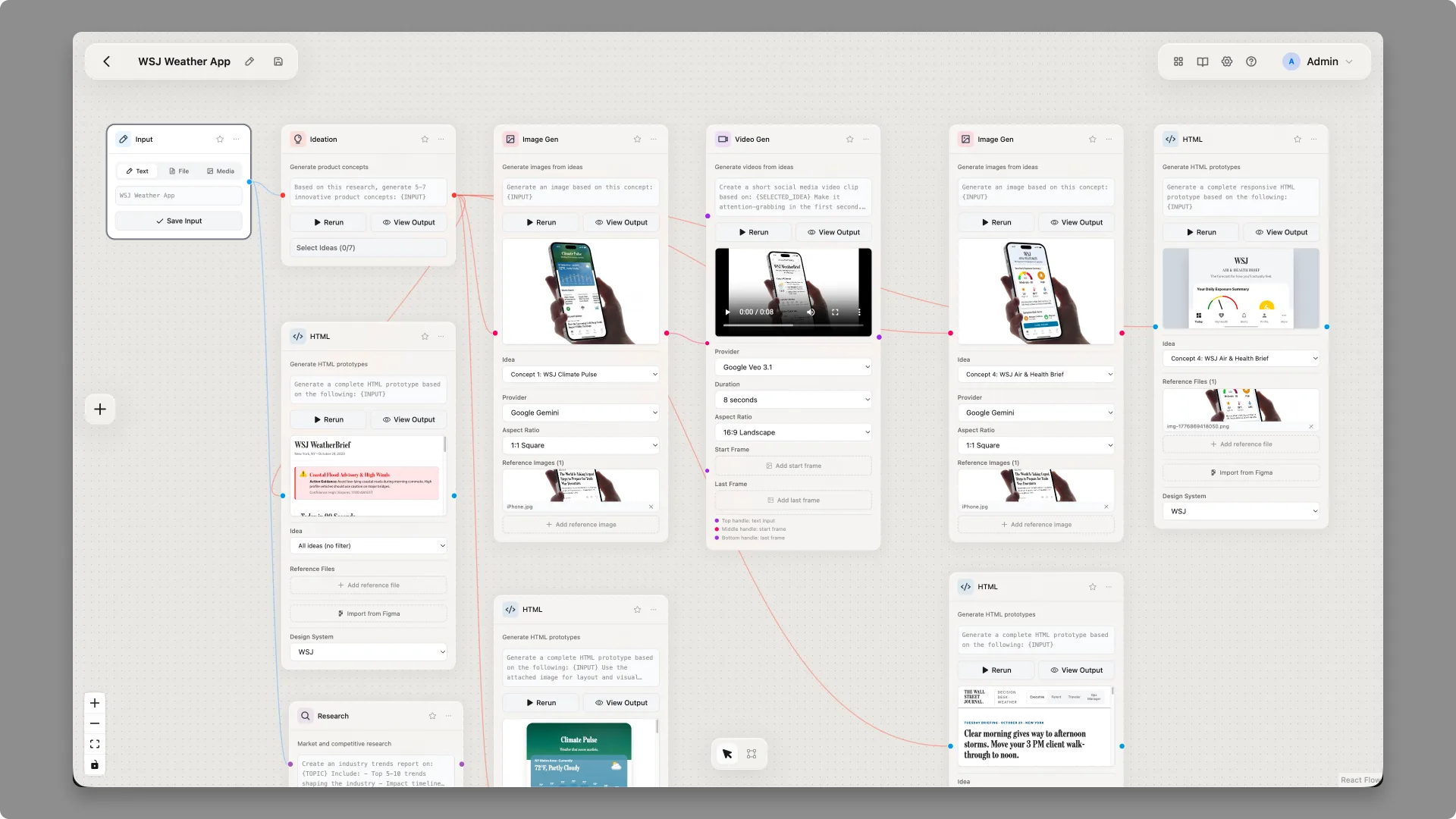
As AI tools became more useful across product and design work, one friction point kept showing up: experimenting with workflows still required too much translation between ideas, prompts, tools, and output formats. Nerva was an attempt to make that process more visual, more direct, and more usable for product and design teams, treating AI not as a single chat window but as a structured workflow that mirrors how teams already think.
Strategy
Approach Nerva as a zero-to-one internal tool: something I could define, design, and build quickly to test a stronger interaction model for AI-assisted work. Position it with a single clear line, "Nerva is a visual AI workflow builder for product and design teams," so the audience and intent were unambiguous. Make it real instead of hypothetical, using Claude Code as part of the build process to move from concept to working product faster.
Results
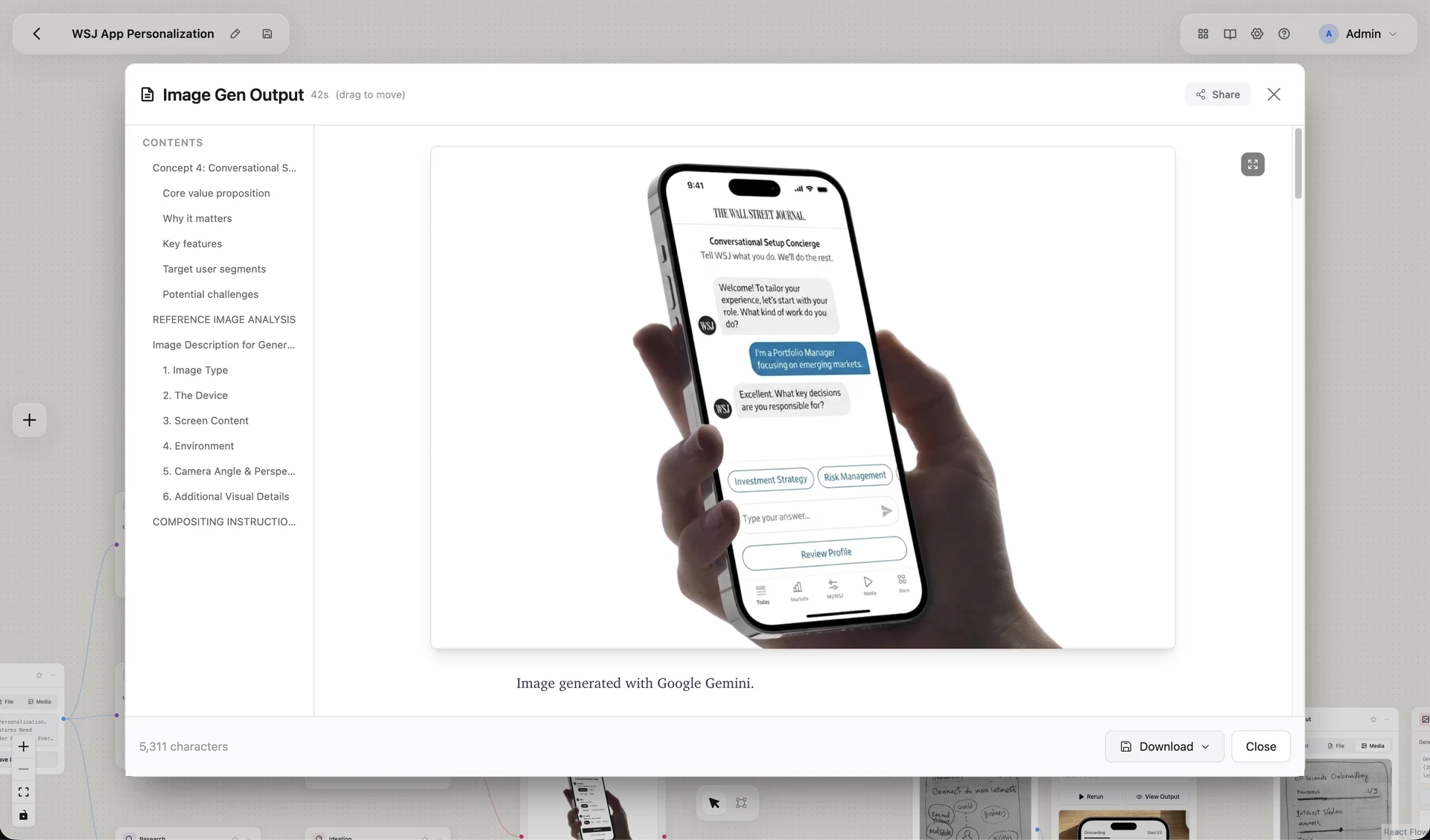
Nerva became concrete enough to present publicly inside Dow Jones as part of Product Community: AI Demos on April 22, 2026, as "Nerva, a visual AI workflow builder for product and design teams." The project moved from side experiment to shareable internal artifact: a working point of view on how AI workflows can be made more legible for non-engineering teams, and a visible example of design leadership through making.
The story
Nerva is one of those projects I value less for scale and more for what it represents. It was a chance to move beyond abstract AI strategy and build a real tool that embodied a product point of view.
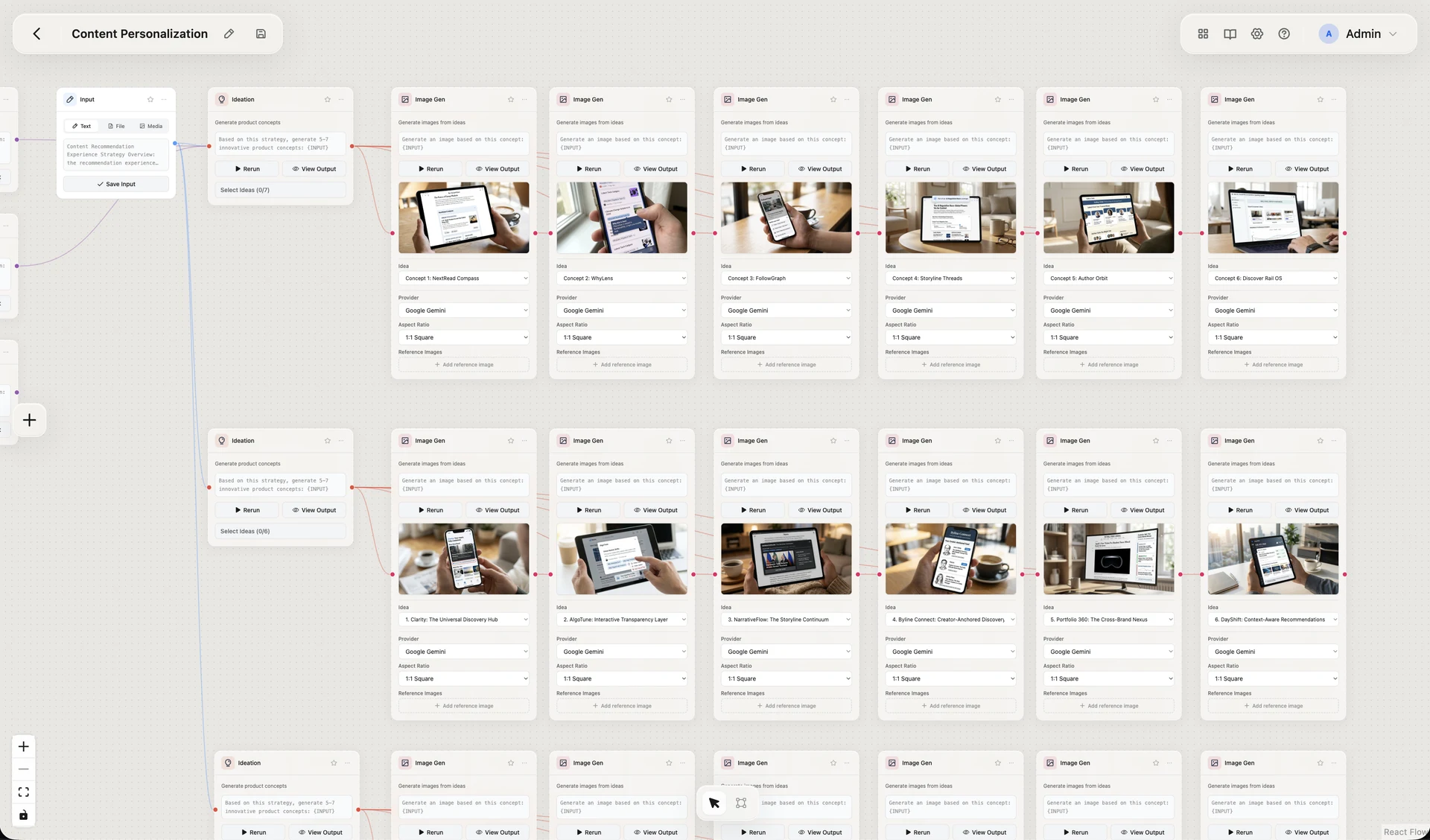
The core idea was simple: if product and design teams are going to use AI meaningfully, they need interfaces that help them understand and shape workflows, not just submit prompts and hope for good output. A visual builder creates a different relationship to AI. It makes the structure of the work more visible. It gives people something they can inspect, adjust, and discuss together. And it turns experimentation into a design material rather than a black box.
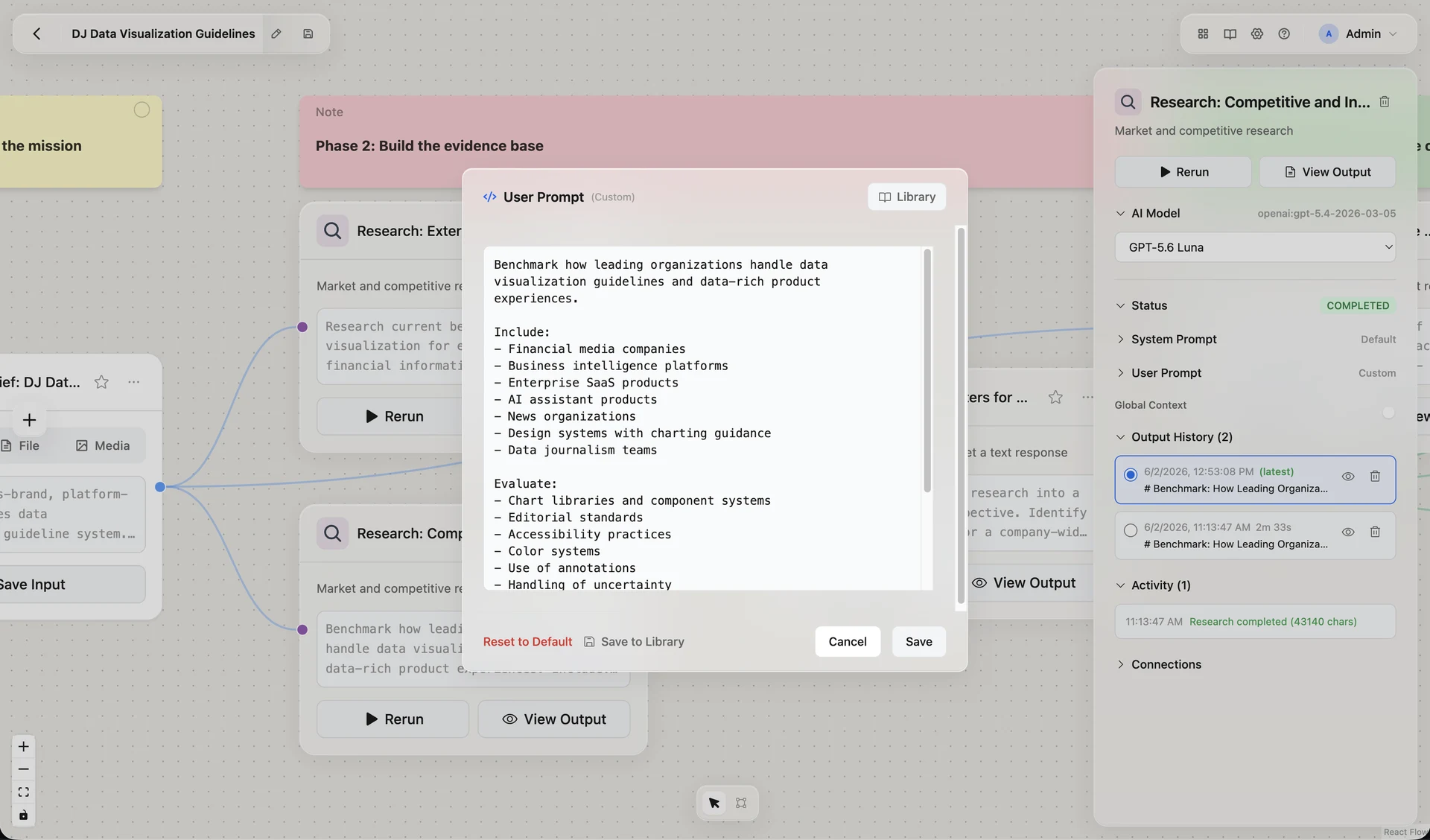
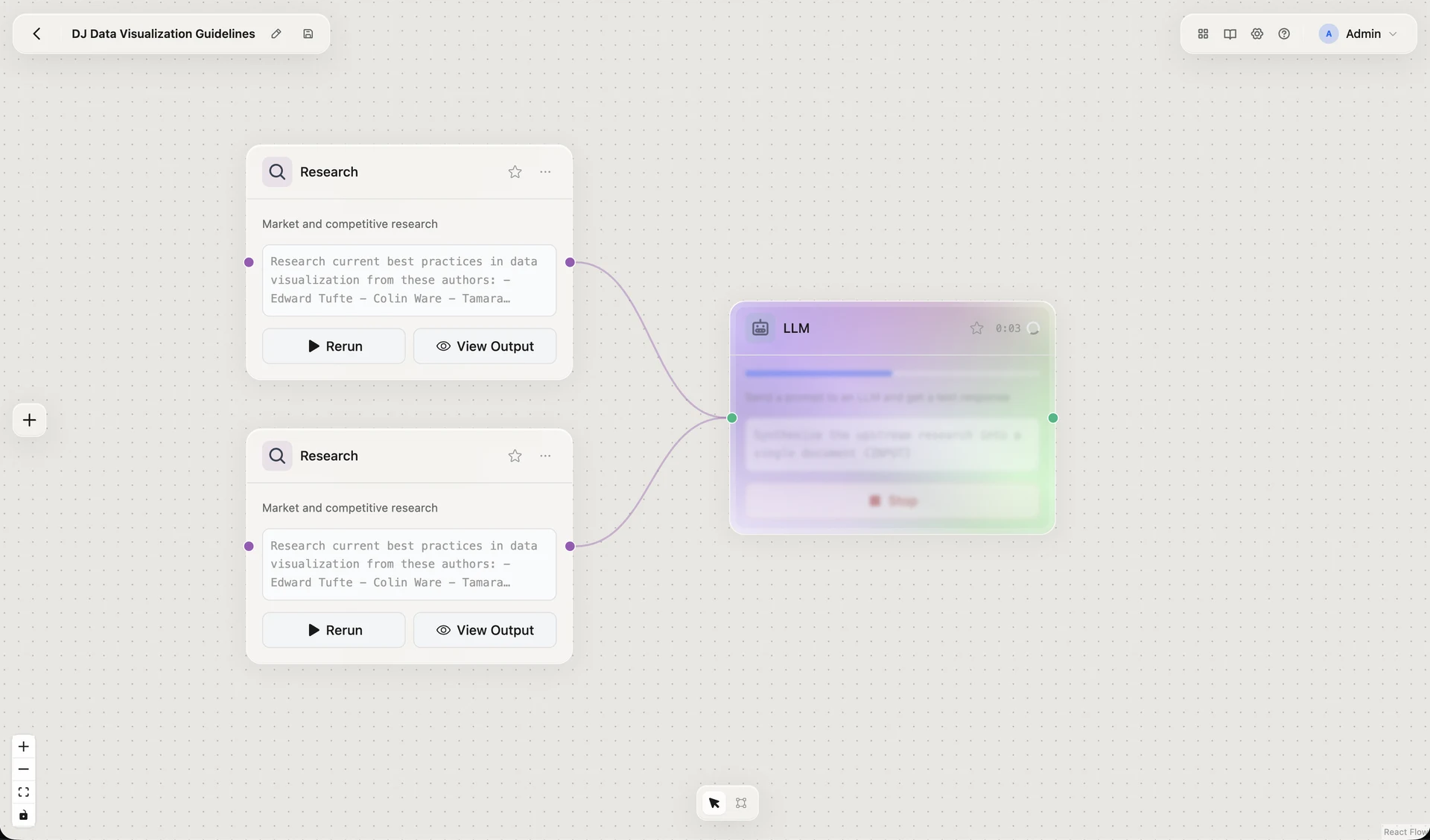
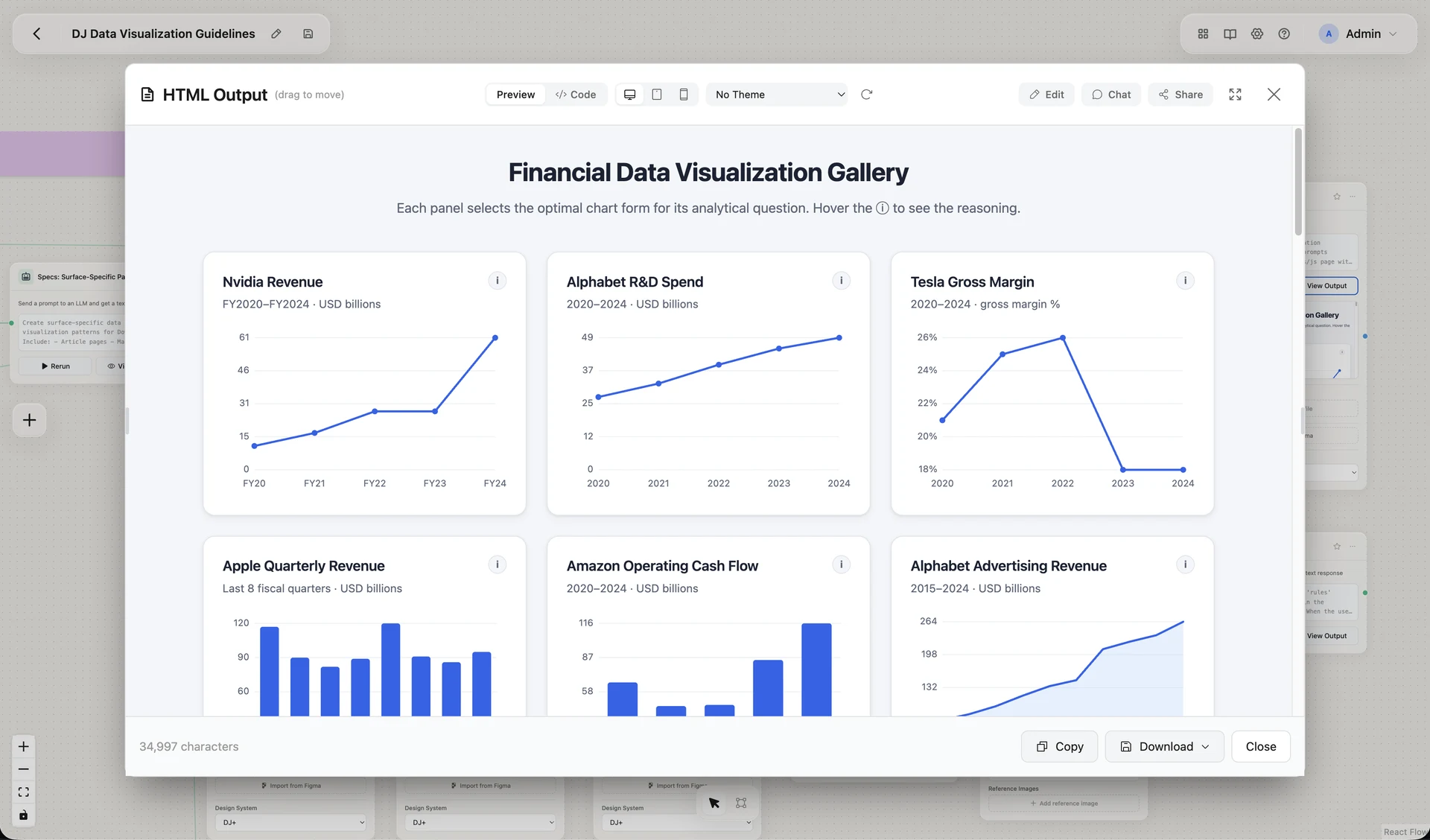
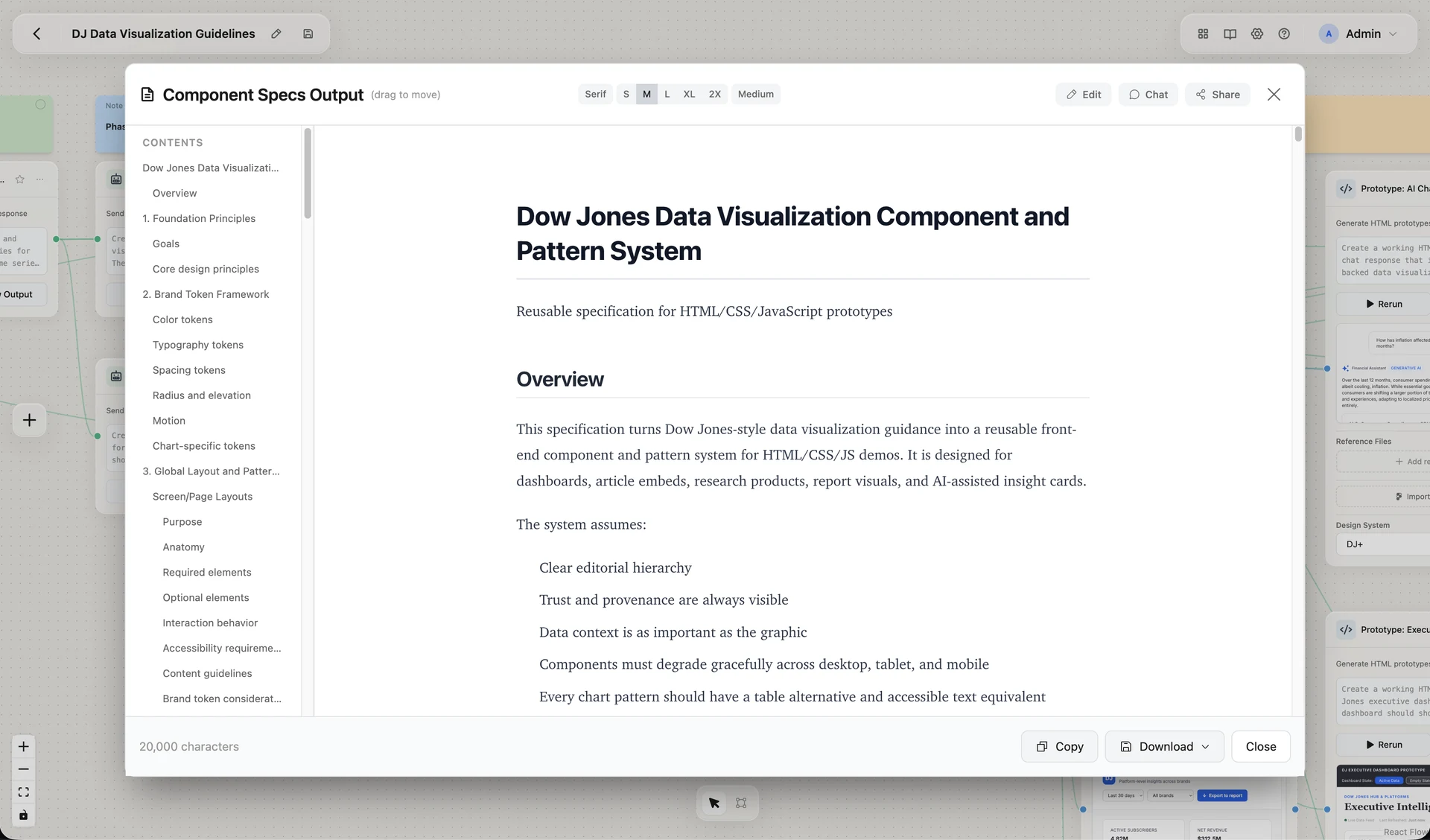
What made the project meaningful as a portfolio piece is that it brought together several parts of my practice at once. It was product thinking, because it framed a clear audience and use case. It was interaction design, because the premise depended on making workflows tangible and understandable. And it was design leadership through making, because instead of waiting for a team or roadmap to validate the opportunity, I built the tool myself and used it to create a shared conversation internally.
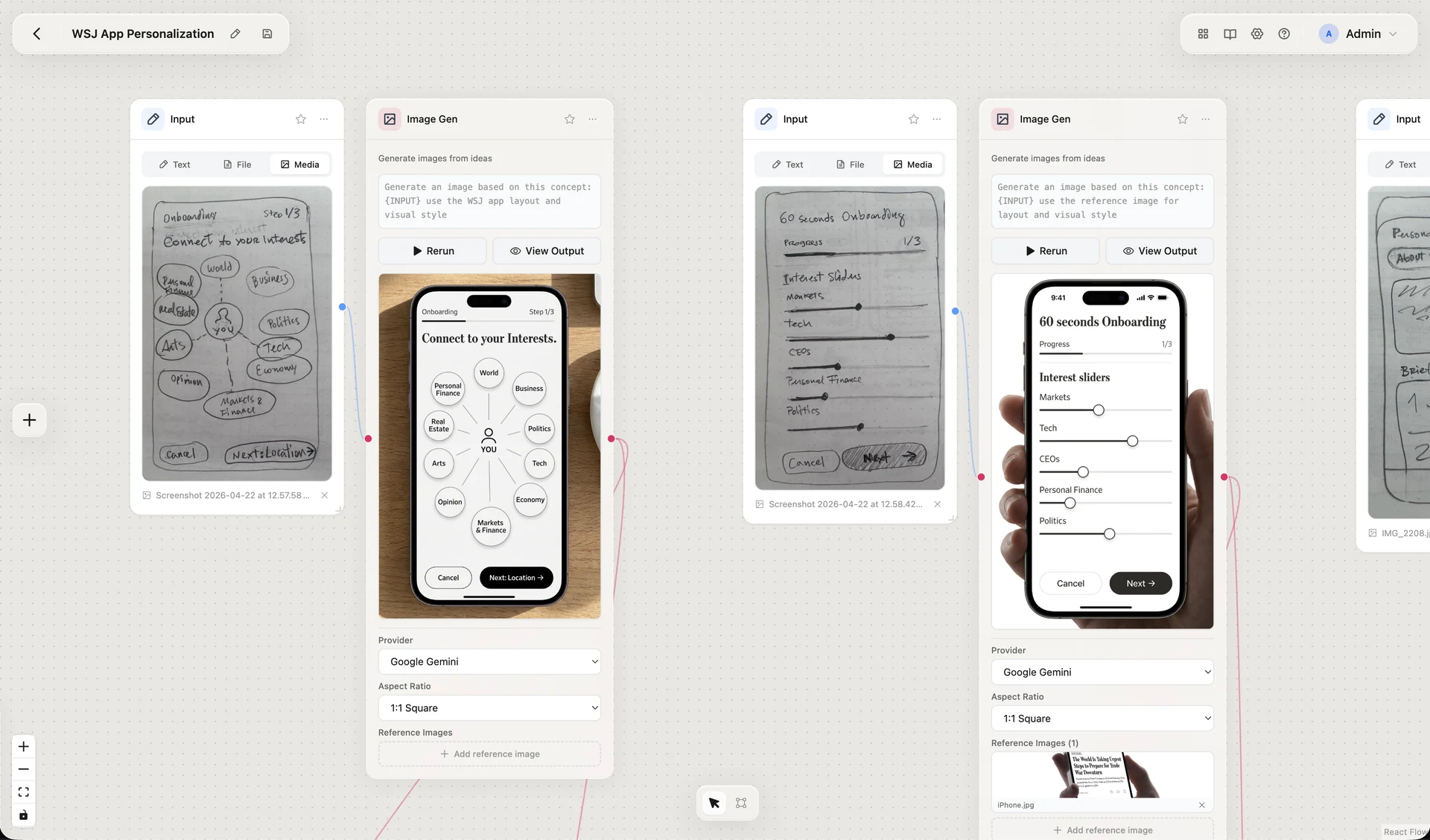
In that sense, Nerva was not just an internal AI tool. It was a way of testing how design can lead emerging technology work: by making ideas real early, giving teams something concrete to react to, and using prototypes as strategy.
Select highlights
- Defined and built Nerva as an in-house tool for internal use.
- Positioned it as a visual AI workflow builder for product and design teams.
- Used Claude Code as part of the build process.
- Presented the work in Product Community: AI Demos as a featured internal demo.
- Continued evolving the tool after launch, with evidence of a later published app version.